Archive for the ‘cars’ Category
Navigation for Everyday Driving
You may remember years ago I used a revolutionary navigation system called the Dash Express that was ideal for daily commuting: with a live Internet connection, it monitored detailed traffic data. While you were driving, Dash let you see conditions in front of you and would change your route if needed. Since the company’s demise I have been instead using my iPhone on my dash with a variety of navigation apps, and as apps have matured, years later I can finally say my iPhone equals the old Dash in usefulness for daily driving. The best part is thanks to apps like Waze and INRIX it is all free!
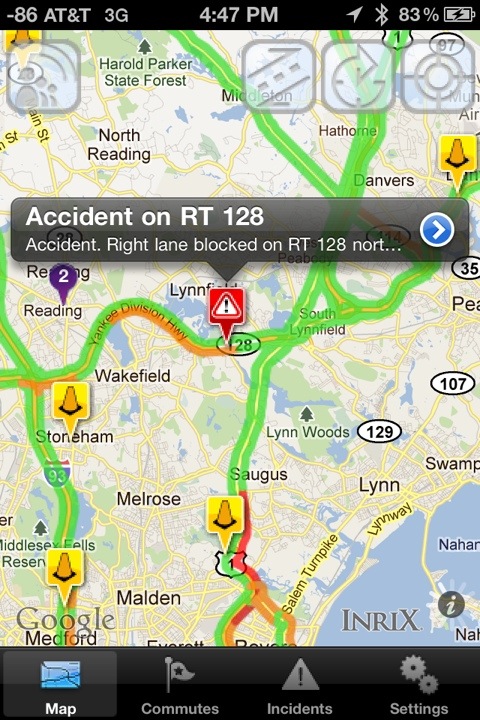
Before I drive, I run INRIX Traffic for a quick overview of my commute. I have tried many other apps with traffic, including the big name navigation apps, and INRIX repeatedly has the most accurate traffic data. Unfortunately, incidents are rarely displayed (this screenshot a rare exception) but it is perfect for looking far ahead on your drive.
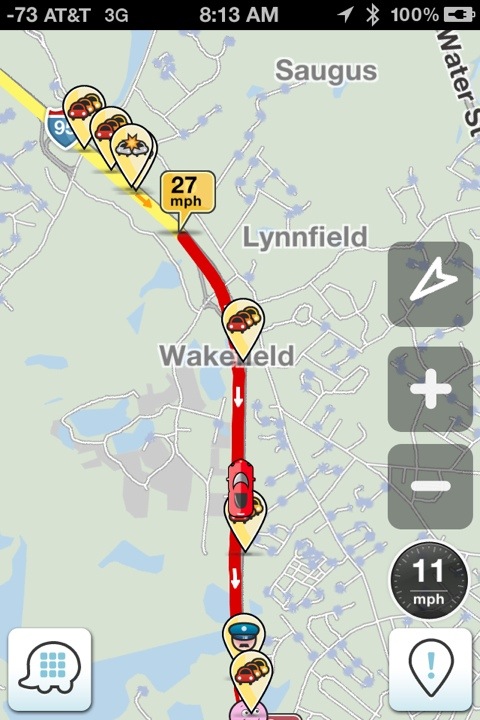
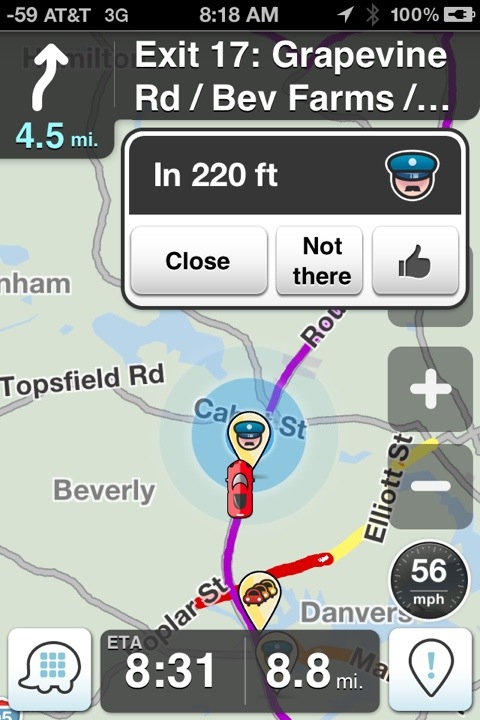
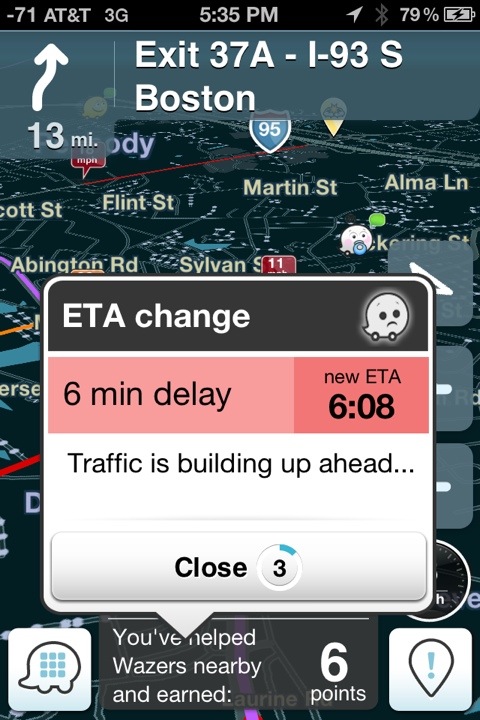
For the duration of my drive, however, I run Waze. Still completely free, what started out as a kludgy navigation app now equals my old Dash Navigation in features, unmatched by others. Hundreds of other drivers are running it nearby (and can be seen on the map), and in addition to using their data to show truly live traffic speed data, anyone can place alerts on the map for warning others.
Stopped traffic, accidents, hazards, and speed traps all show up on your map and give you an alert if on your route. Waze adds some fun to your drive by dealing out points for reports or munching power pellets on undriven roads, as well as social groups and mood reporting. And just like Dash, your arrival time is continuously adjusted by changing conditions. These all combine to not only save wasted time by avoiding traffic, but adding some fun to a boring commute as well.
New Driving Lights
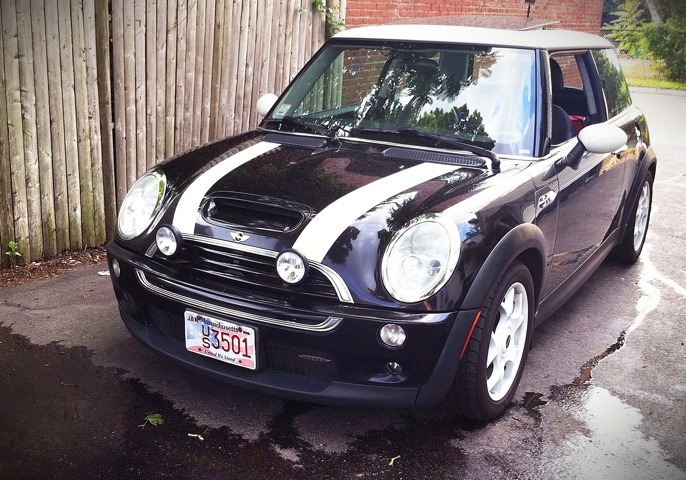
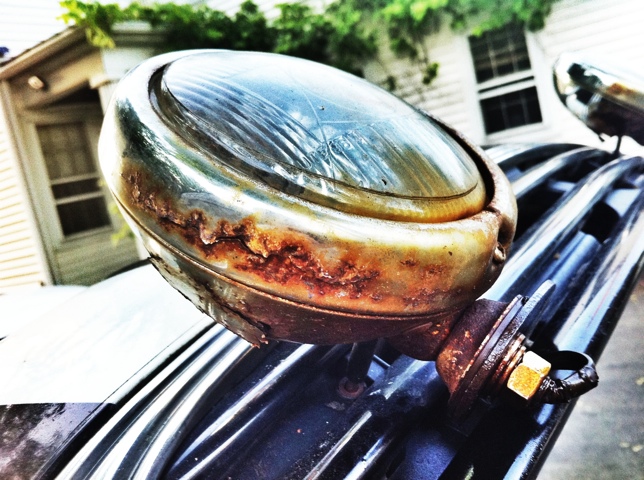
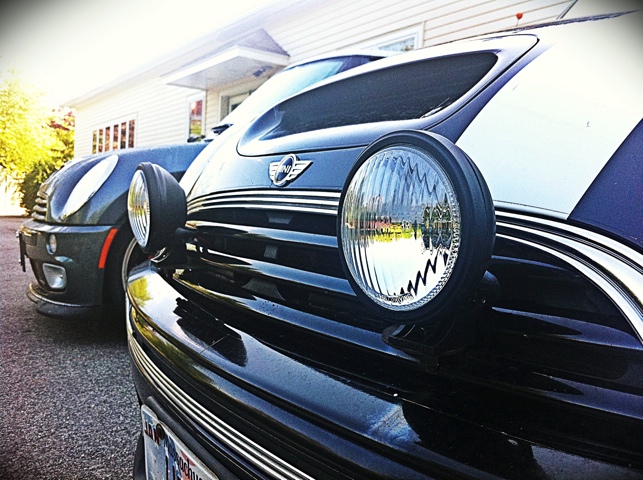
I always loved MINI’s little chrome rally lights, but like many others mine disintegrated into rust. I managed to find suitable and affordable replacements and installed them this weekend.
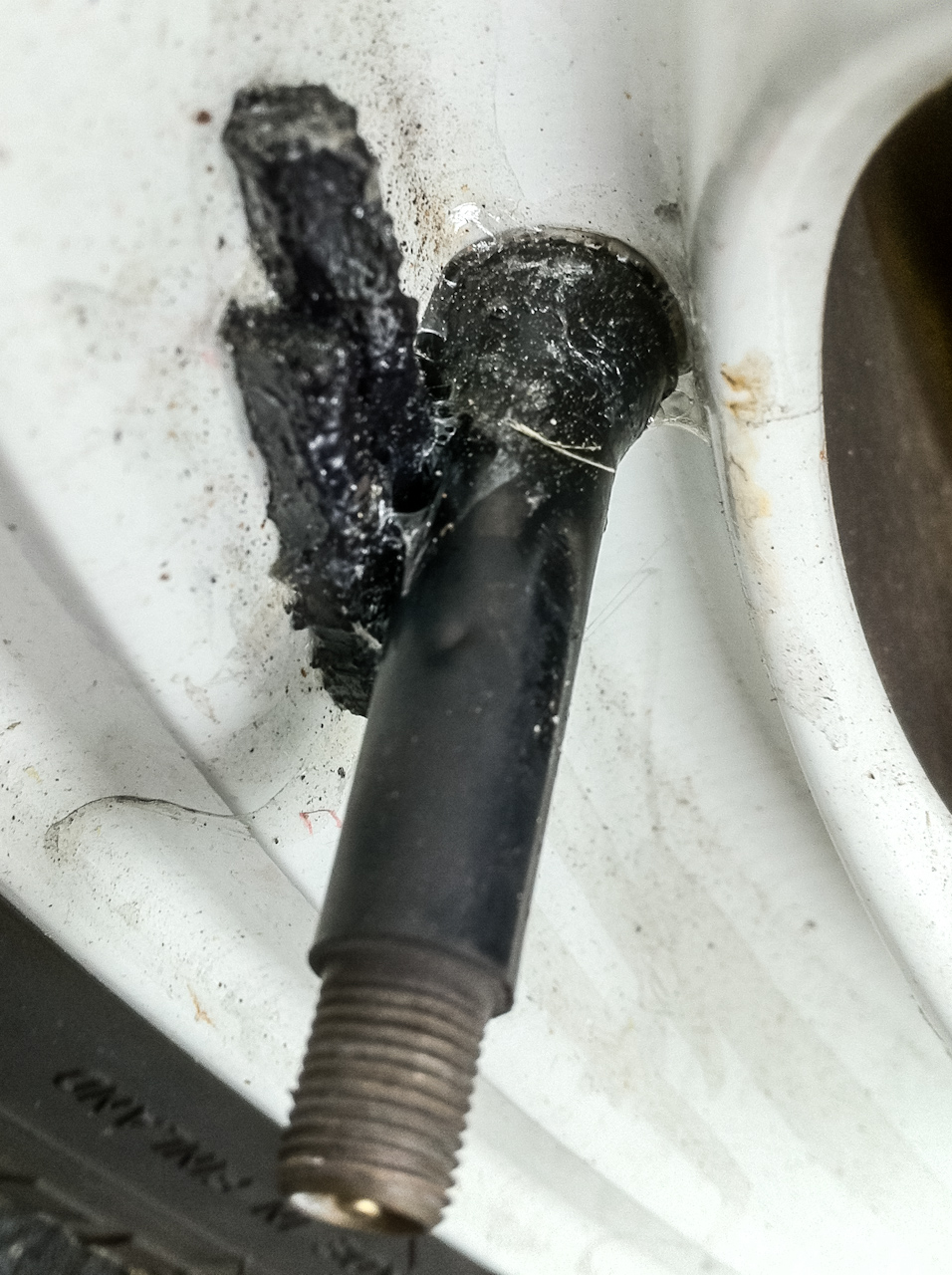
R53 MINI driving lights were an expensive dealer-added accessory that I felt really completed the look of the car. But they were real chrome, and could not stand up to daily driving and the salt in the winter. After seven years, mine had completely rusted through. The insides were completely visible from the back! Only one still worked. A replacement set still runs $450 and just turn to rust again so I started to look at other choices.
Almost all aftermarket lights are over six inches and to me just wouldn’t look right on the mini. But after some searching I found the perfect replacements. KC Hilites 456 Apollos are a perfect 4.5-inch, black plastic to match my car (and not rust), and only $83! Installation was simple: aside from having to drill off the seized old lights, the new lights bolted right on to the existing mounts and spliced into the existing wiring. Of course I rarely ever use my high beams as I’m never in the country, but my MINI just wouldn’t look right without them.
93 Bridge Replacement
Last weekend our house was filled with deafening noise day and night as the I93 bridges in front were replaced. All 14 of the I93 overpasses in Medford are being replaced on weekends this summer using the latest construction techniques to entirely replace a bridge over just a weekend instead of years. I rushed home on friday to beat the rotary closing to traffic at 6pm, and had front-row views of the impressive demolition and construction work all weekend. Giant jackhammers pummeled the bridges all night Friday, while the huge beam-eating machine literally shook the entire house for hours. 16-wheeled cranes moved in on Saturday to lift the precast sections of bridge. Amazingly, exactly 24 hours after the concrete was first broken, the last piece was in place. Sunday quieted down for gap filling concrete and line painting, and everything reopened for the Monday morning commute.
I made a long video of the process for anyone geeky enough to watch, including time lapse from 5,000 photos shot from my bedroom window. Be sure to crank up the sound to simulate what we had to sleep through!
Update: You can watch video captured from their professional photographer here and several photo galleries on his website.
Posted from Medford, Massachusetts, United States.
Countryman ALL4 Test Drive
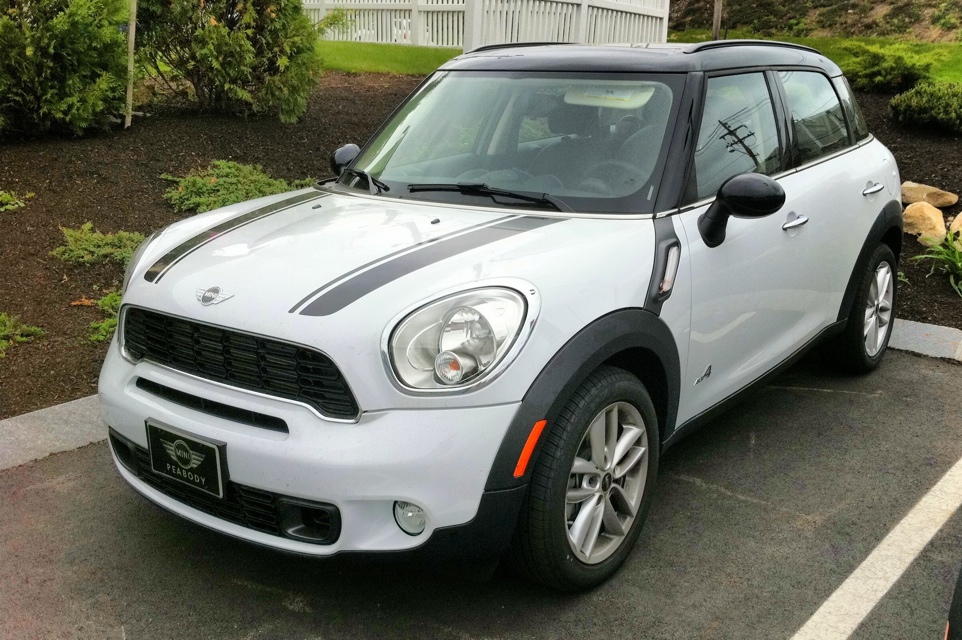
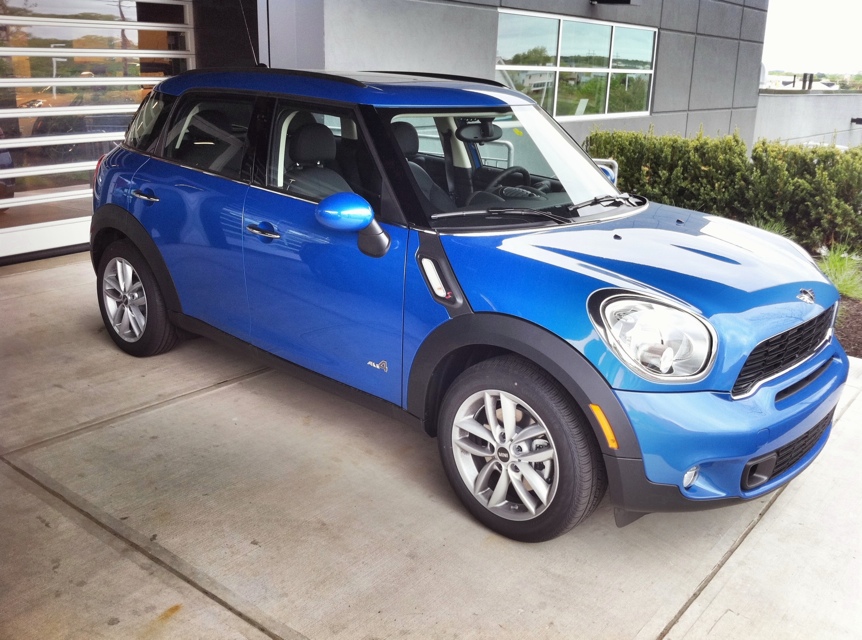
While the BMW was in for scheduled service today, I strolled over to the new MINI of Peabody to say hi and decided to take the new all wheel drive Countryman for a test drive now that plenty are available. The last time I drove a newer MINI was when were last shopping for a new car and ended up with the BMW.
Overall I was impressed. The Countryman didn’t really have the “big” feeling I was expecting. It was definitely much more floaty than my cars. But the grip was all there. What really impressed me was the all wheel. Getting a rear-wheel drive BMW has made me hate front wheel drive and its constant sliding and wheel spin whenever I pull away from a stop while turning. That doesn’t exist with the Countryman. Dropping the clutch in any gear (sorry!) translated to instant grip and go. Powering around exit ramps is a blast.
Not that I am considering one, but I need to keep tabs on things so I can have accurate opinions and recommendations. In fact, it is a perfect companion if you also have a first-gen mini when you want handling. We probably would have considered it more seriously than the other minis when we were shopping for a slightly larger but still fun hatchback (and then went with a 128 coupe—handling always wins!)
Posted from Peabody, Massachusetts, United States.
Commuting in the Snow
Last friday was one of several snowy commutes that I’ve had in January, and I realized my normal dash mount allowed the iPhone’s camera a view of the road. So I recorded a few clips, if you feel like experiencing the crawl of traffic with me.
The video was shot vertically in portrait mode, as my iphone normally sits there running INRIX Traffic while driving. I was wondering what effort I would need to go through to rotate and crop the video, which is beyond the capabilities of iMovie on the computer. But a new free iPhone video editing app just came out that allowed me to do so very easily: Splice. In fact I’d say it is easier to use than iMovie for iPhone. Sadly it is currently prone to bugs and crashes (you MUST add transitions to get around export errors). But the price is right, and I’m sure it will be improved soon. It’s great to be able to shoot and edit together clips without ever leaving your phone-in fact 720tube lets you upload in full resolution, so there’s truly no need for a computer.